
Promote
Split channels with subids: IG / short video / landings
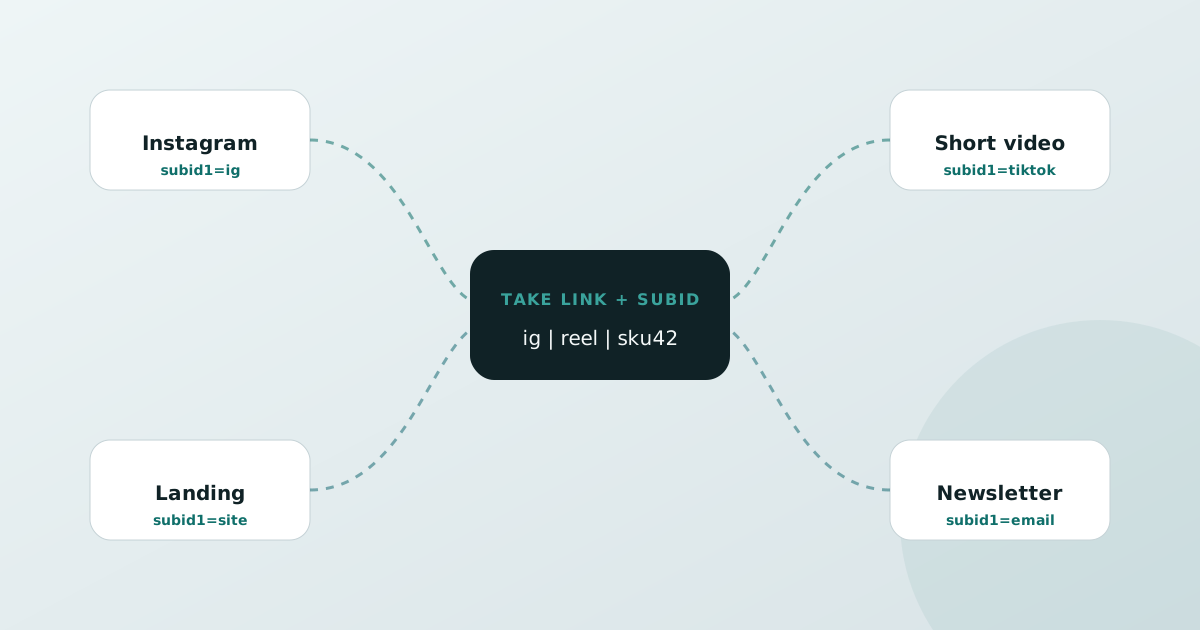
Subids set at take-link travel with the redirect so you can review promo by channel. Split them well and IG posts won’t mix with short-video bios.
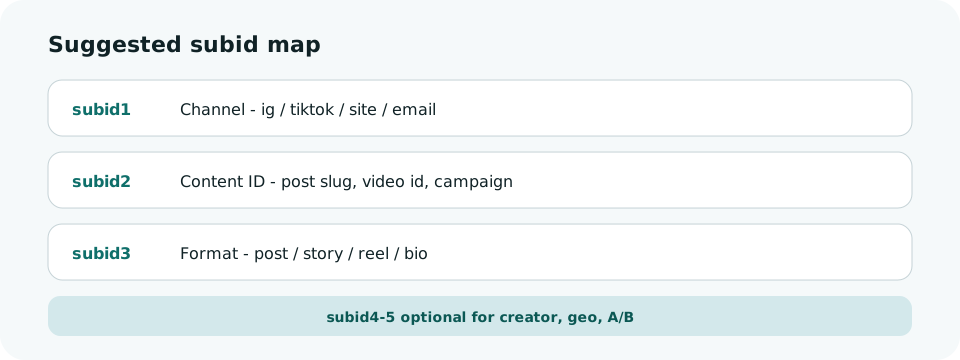
A naming scheme you can copy
- subid1=ig | tiktok | yt | site | email
- subid2=content id, e.g. oct31-headphones or a video id
- subid3=post | story | reel | bio | landing
- Use subid4 / subid5 when comparing creators or landing variants
Why separate take-links
Different params on the same product create different short links. Analytics can then show IG posts vs TikTok bios separately — not one blended total.