
How-to
How to take a promotable cross-border affiliate link
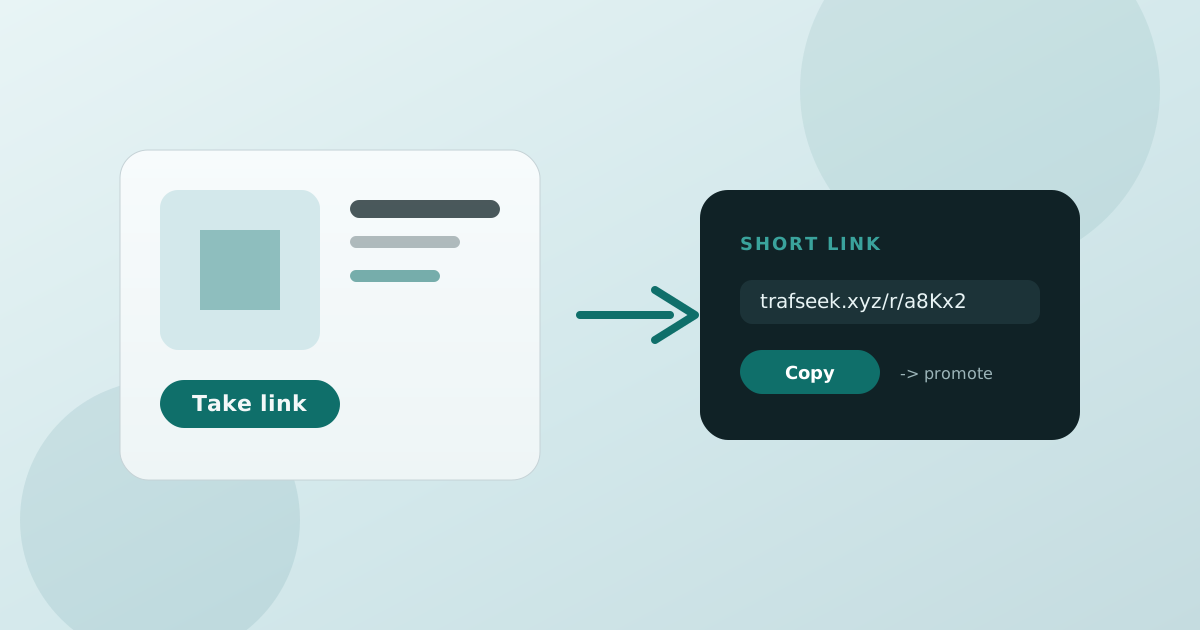
TrafSeek is a take-link tool first: get a promotable affiliate short link, then place it in content to earn. Here’s a practical pick → take → promote loop.
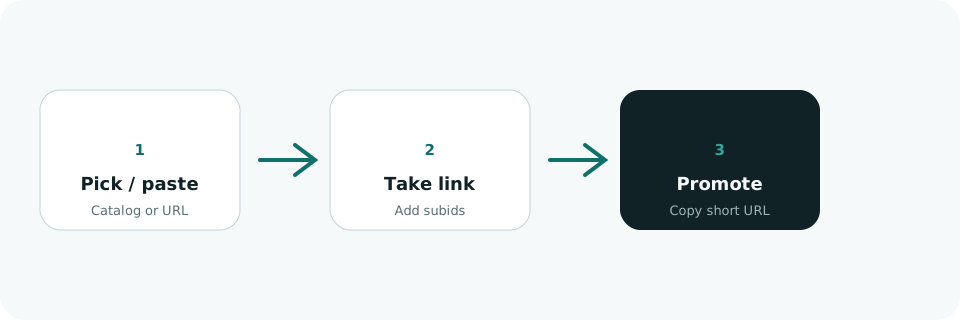
Option A: take from the catalog
- Open Products or Links, filter by network (Amazon / eBay / AliExpress, etc.).
- Open a product and check commission cues plus whether the source fits your content.
- Hit Take link and fill subid1–5 as needed (channel, content id, format).
- Copy the short URL (trafseek.xyz/r/…) into posts, bios, or landings.
Option B: paste a product URL
If you already have an ASIN or item page, paste the product URL on the Links page. TrafSeek tries to resolve title, image, and price, then builds a short link with shared affiliate tags — handy when creative comes before the link.
Placement tips
- Posts: put the link in the first comment or a short “shop the look” line.
- Short video: pin the short URL in the bio and say “link in description.”
- Landings: one product, one link, plus your pick reason and commission cues.